Protect Your Privacy: Build a Safe Dating Profile

Reading time: 10 minutes
Three months ago, Paula, a 24-year-old graphic designer from Los Angeles, posted her Instagram photo on a dating platform without thinking. Within a week, a stranger sent a direct message to her personal account with her full address. She had shared an image with the sign of her favorite coffee shop in Silver Lake visible in the background. Dating profile privacy isn't a luxury, it's a basic necessity for anyone looking for connection without putting their safety at risk.
Protecting your personal information while looking for a partner online takes strategy, not paranoia. I'm going to show you exactly what to share, what to hide and how to create an attractive profile without exposing data that makes you vulnerable. These tips apply to any platform, from MySugardaddy to general-purpose apps.
Personal Data You Should Never Include in Your Profile
Personal data security starts with knowing which information is especially dangerous. According to a 2024 report by the Spanish Data Protection Agency, 67% of frauds that start on dating platforms rely on data taken directly from victims' public profiles.
Your full last name can be combined with your city to find you on social media in seconds. A profile that says "Ana Garcia, architect in Denver, 28 years old" hands over four identifying points unnecessarily. Use only your first name or a nickname. If your name is Mary Jo, you can simply be "MJ" on your profile.
Your exact workplace is another key piece for tracking you down. Writing "I work at Massachusetts General Hospital" is different from "I work in healthcare in Boston". The first version makes you physically locatable, the second keeps context without the risk. Mention your profession in general terms until you know someone better.
Geotagged photos are an invisible danger. Every image taken with a modern smartphone contains EXIF metadata that includes exact GPS coordinates. Before uploading any photo, remove this data with free tools like ExifTool or the native privacy options in iOS and Android. A 2023 study by the Complutense University of Madrid found that 42% of dating app users shared photos with location metadata turned on.
How to Build an Attractive Profile Without Compromising Your Digital Identity
Digital identity protection doesn't mean creating a boring or generic profile. The key is balancing authenticity and caution. You can be genuine without handing over the keys to your life.
Effective photos show your style without revealing specific locations. Avoid images in front of your front door, your license plate or documents visible in the background. A photo on a rooftop terrace with a city skyline view is perfect, a photo where your building number can be read in the background is not. Claudia, a 26-year-old psychology student in Phoenix, shares photos in big public parks, popular cafés with no visible names and landmark places where she doesn't live, staying attractive without leaving a trail.
Your bio should tell your story without drawing a map to you. Instead of "I live in Lincoln Park and run every morning by the lake", write "I love running through historic parks and life in the heart of the city". Both versions communicate lifestyle, but only one protects your daily routine.
Professional details call for creativity. If you're a lawyer specializing in intellectual property at a well-known firm, you can say "I work in corporate law" without naming the firm. This keeps the conversation going without exposing you. According to MySugardaddy data, profiles with general professional descriptions but specific personal values get 38% more genuine interactions than those with exhaustive work details.
Safe Communication Strategies on Dating Platforms
Once your profile is online, private online information is protected mainly through how you communicate. The first exchange of messages sets the safety tone for the entire relationship.
Never share your personal phone number in the first conversations. Use the platform's built-in chat features for at least two weeks. This lets you evaluate the person and, if something goes wrong, block them without them having direct access to you. If you decide to give your number, consider using apps like Google Voice or Numero eSIM that generate temporary numbers linked to but separate from your main line.
Video calls before meeting are indispensable verification tools. A 10-minute video call confirms identity, detects inconsistencies in their story and sets realistic expectations. Platforms like MySugardaddy integrate video chat options without having to leave the app, keeping your number private. A 2024 report from Spain's National Cybersecurity Institute indicates that women who do video calls beforehand cut bad first-date experiences by 73%.
Exchanging social media should be gradual and strategic. Instead of connecting your main Instagram or Facebook profiles, create secondary accounts with strict privacy settings. These accounts can show your lifestyle without exposing your family, close friends or daily location. Always check location tags on old posts before sharing any social media account.
Essential Privacy Settings on Your Profile
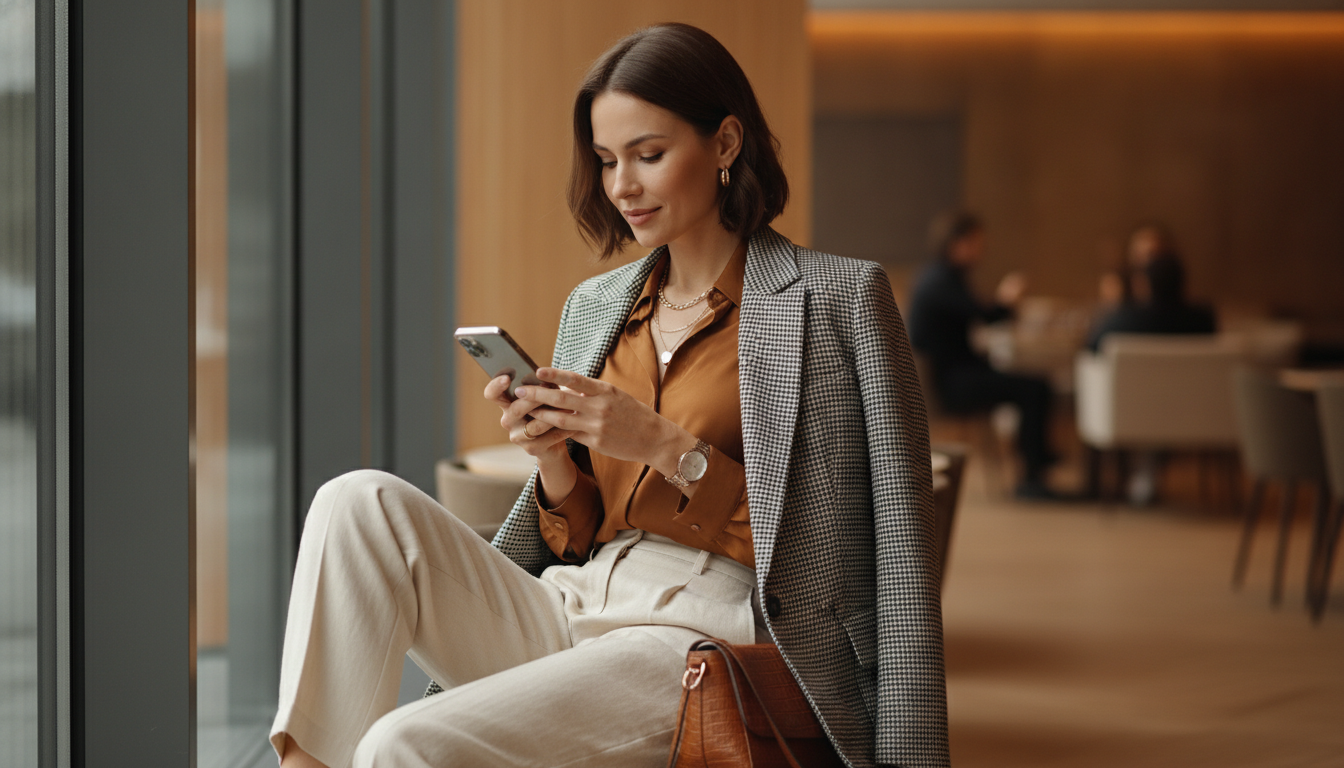
Safe profile tips include mastering the privacy options each platform offers. Most users never explore these settings, leaving their information more vulnerable than necessary.
Turn on profile verification on any platform that offers it. Although it requires submitting documentation, that information goes directly to the company, not to other users. Profile verification sets you apart from fake accounts and boosts your credibility without publicly exposing additional data.
Set your profile visibility to "verified users only" if the option exists. This reduces exposure to bots, scammers and users with no serious commitment. On MySugardaddy, you can choose to make your profile visible only to premium members, automatically filtering out users with less investment in the platform.
Review the app permissions on your smartphone every month. Many dating apps ask for access to contacts, real-time location, microphone and your full photo library. Limit these permissions to what is strictly necessary. Location can be set to "only while using the app" instead of "always", and photo access can be limited to selected images on iOS 14 and later versions.
Warning Signs That Indicate a Risk to Your Privacy
Protecting your data also means recognizing when someone is trying to get information they shouldn't be asking for this soon. Spotting these warning signs can save you serious trouble.
Be wary of anyone who asks for your last name, exact address or specific workplace in the first messages. Natural conversations build trust gradually, interrogations hunt for data. If someone insists on knowing where you study or work in too much detail before you've met in person, that's a clear red flag.
Profiles that refuse video calls or only send photos but never live video usually hide something. Authenticity is easily shown with a short call, while constant resistance points to a fake profile or deception. According to 2024 data from Spain's National Digital Security Observatory, 89% of scammers on dating platforms avoid video calls until the very end.
Another common tactic is asking you to quickly move the conversation to WhatsApp, Telegram or apps outside the platform. This removes the dating site's oversight and moderation, leaving you without recourse if something goes wrong. Keep conversations inside the platform until you're completely sure about the person.
Additional Protection: Practical Tools and Resources
Beyond basic precautions, there are technological tools that significantly strengthen dating profile privacy.
- Password managers like 1Password or Bitwarden generate unique passwords for each platform, preventing one security breach from compromising all your accounts. 61% of dating app users reuse passwords according to a 2023 Kaspersky study.
- Browsers with a built-in VPN like Brave or extensions like NordVPN hide your real IP address when browsing dating platforms from a computer, adding an extra layer of anonymity.
- Reverse image search tools like TinEye or Google Images let you check whether a profile's photos appear elsewhere on the internet, identifying possible fraud.
- Virtual number services like Numero or Hushed offer disposable phone lines so you can communicate without exposing your real number, useful during the first weeks of getting to know someone.
Two-factor authentication (2FA) should be turned on for your dating platform account and the email address linked to it. This ensures that even if someone discovers your password, they can't get in without the second verification code. Set up 2FA through apps like Google Authenticator instead of SMS, which is more vulnerable to interception.
What to Share and When: A Timeline Guide

Protection isn't static, it evolves with the relationship. Knowing what to reveal at each stage keeps the balance between genuine connection and personal data security.
During the first two weeks, keep all communication inside the platform. Share general interests, values, aspirations, but no details that identify you physically. Talking about your passion for yoga is different from mentioning that you go to the YogaOne studio on Elm Street every Tuesday and Thursday at 7 p.m.
After at least three video calls and coherent conversations, you can consider sharing a virtual number or a secondary social media account. At this stage, the person has shown consistency in their story and verifiable authenticity. Build genuine trust before taking significant steps.
Before a first in-person meeting, tell a close friend. Share with her the person's full name, their photo, where you're meeting and at what time. Apps like Telegram let you schedule automatic messages, so you can set one to be sent to your friend unless you cancel it manually after the date, triggering an alert if something goes wrong.
Only after several successful meetings and full verification of their identity should you consider sharing your exact location or introducing them to your inner circle. Rushing on these matters usually signals questionable intentions, while patience shows genuine respect.
Frequently Asked Questions About Privacy on Dating Profiles
Is it safe to use my real photo on dating platforms?
Yes, as long as you remove EXIF metadata and choose images without identifiable locations or personal information visible in the background. A clear photo of your face is essential for building trust, but it needs to be strategic in composition.
When should I share my real phone number?
After at least two weeks of consistent conversation and at least one successful video call. Consider using virtual numbers as an intermediate step before sharing your personal line.
What do I do if someone finds my social media profile without me having shared it?
Assess how they found you. If it was through reverse photo search, swap your profile images for ones used exclusively on the dating platform. Strengthen the privacy settings on your main social networks and consider whether you want to continue the conversation with someone who looked you up without your permission.
Are sugar dating platforms safer in terms of privacy?
It depends on the specific platform. Established sites like MySugardaddy invest in verification, moderation and privacy tools. However, final security depends on your personal actions, not just the platform's technology.
Should I use an alias instead of my real name?
A nickname or alternate name works well at first. "Ana" instead of "Ana Maria Rodriguez Lopez" protects you without losing authenticity. Reveal your full name only when the relationship has progressed significantly outside the platform.
Your Privacy Is Your Responsibility
Dating profile privacy doesn't limit your chances of genuine connection, it protects them. A safe profile lets you explore relationships with peace of mind, knowing you've minimized risks without sacrificing authenticity. Every piece of data you share is a conscious decision, not an oversight.
Review your profile today on any platform you use. Remove last names, exact locations and photos with identifiable information. Turn on verification, set up 2FA and limit the app's permissions. These 15 minutes of adjustments can prevent weeks of problems down the road. Your safety is non-negotiable, it's the foundation on which you build everything else in the world of online dating.